
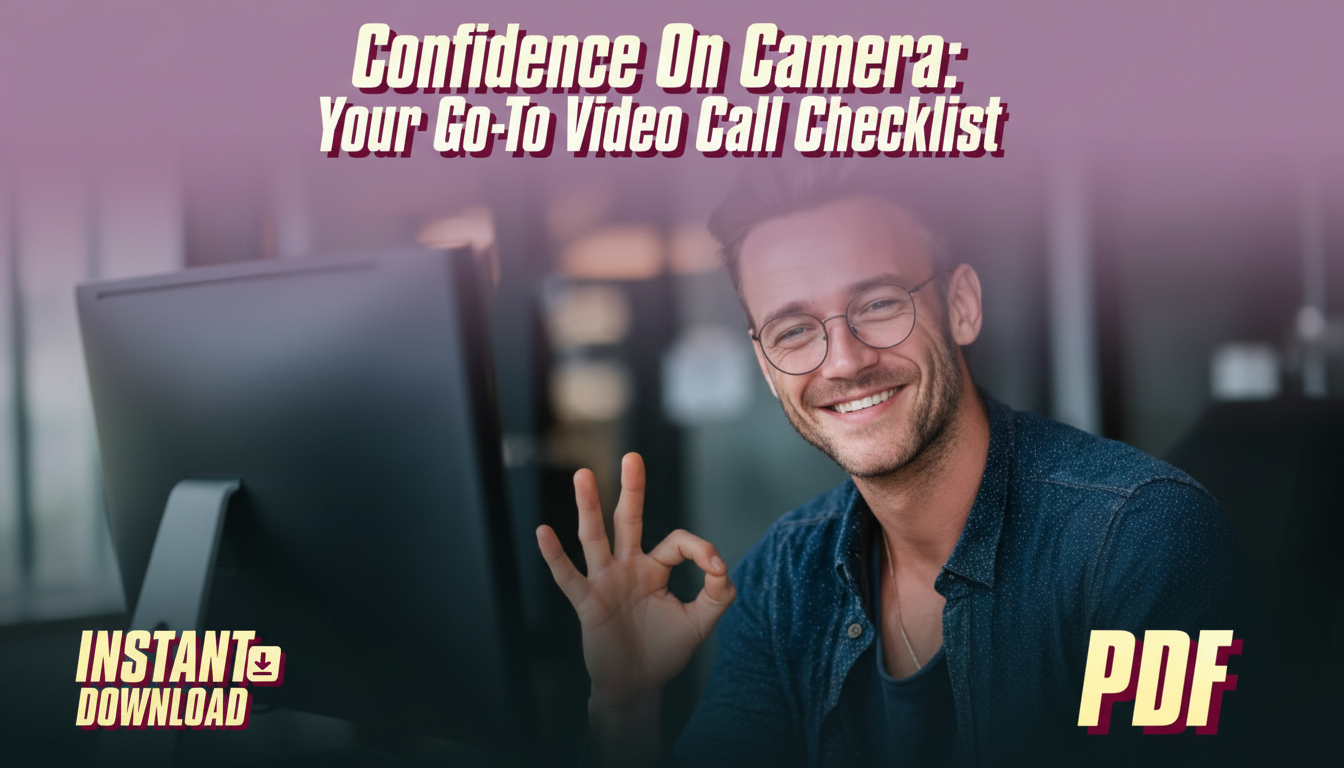
Feeling awkward on a video call is usually a setup problem, not a personality problem. A repeatable checklist removes the guesswork—camera placement, lighting, audio, background, and a quick mental reset—so attention can stay on the conversation instead of the screen. Below is a practical pre-call routine plus a fast, printable checklist you can reuse for Zoom meetings, online interviews, client calls, classes, and presentations.
On-camera confidence tends to show up when the basics stop distracting you. It’s not about becoming a different person on screen—it’s about removing friction so you can communicate normally.
This routine is designed to be quick, repeatable, and realistic—even between back-to-back meetings.
If you use Zoom often, it’s worth using the platform’s built-in test steps before high-stakes calls. Zoom’s help guide on testing your audio before a meeting can save you from discovering a mic issue after you’ve already started speaking.
Most “I look weird on camera” moments come from angle and lighting—not your face. Make the frame predictable, and you’ll stop monitoring yourself mid-sentence.
For a deeper look at the behavioral side of presence (pacing, expression, and how confidence reads on screen), Harvard Business Review has useful guidance on communication and executive presence topics at HBR.org.
On video calls, audio carries more authority than video. People will forgive a slightly soft image; they struggle with echo, clipping, or inconsistent volume.
If background noise is a recurring issue, Microsoft’s guidance on reducing background noise and improving audio can help you find device and software settings that make a noticeable difference.
| Category | Check | Why it matters |
|---|---|---|
| Camera | Eye-level, centered, clean lens | Creates a natural, confident presence |
| Lighting | Soft light in front; avoid bright backlight | Prevents looking tired or silhouetted |
| Audio | Correct mic selected; quick test | Clear sound reads as competence |
| Background | Simple, tidy, low distraction | Keeps focus on the conversation |
| Connection | Close bandwidth-heavy apps; stable Wi‑Fi/ethernet | Reduces freezes and interruptions |
| Presence | Two slow breaths; relaxed shoulders | Lowers tension and voice strain |
| Materials | Agenda/notes, links, names, next steps | Prevents fumbling mid-call |
If you want a ready-to-print version that’s easy to keep at your desk (and a digital copy for travel), this downloadable resource turns the routine into a quick scan you can repeat daily: Confidence On Camera: Your Go-To Video Call Checklist (Printable PDF).
For calls where appearance matters (interviews, client pitches, on-camera presentations), what you wear below the frame can still affect posture and energy. A stable stance and “ready” feeling often start with comfortable, supportive footwear—especially if you like to stand during presentations. Options to consider include BOSS Men’s Premium Leather Shoes or Adidas Men’s Beige Streetwear Sneakers.
Keep the camera at eye level, use soft light from the front, and prioritize clear audio so you’re not distracted by your own setup. Speak slightly slower than normal and add short pauses, and consider hiding self-view to reduce self-monitoring.
Include a tech check (mic, camera, Wi‑Fi), clean framing and lighting, and a quiet background. Keep your resume, the job description, 2–3 quick examples, a few questions to ask, and a short closing summary within easy reach.
Join 1–2 minutes early for most meetings to settle in without rushing. For interviews or presentations, 3–5 minutes early gives you time to confirm audio/video and handle surprises calmly.










Leave a comment